
//Affiliate Disclaimer: This post may contain affiliate links which mean I may receive a commission for purchases made through links. I will only recommend products that I personally love! Learn more on my Privacy Page.
Pharmacy school doesn’t leave much room for guesswork. Between didactic lecture hours, longitudinal projects, clinical rotations, and the kind of memorization that makes flashcards feel like a full-time job (think Top 200), staying organized isn’t optional — it’s survival. The right study apps for pharmacy students won’t pass your pharmacology exam for you, but they can save you hours every week and keep you from burning out before finals.
We tested and researched the tools pharmacy students actually rely on — for planning, focus, note-taking, and mental health — so you don’t have to download fifteen apps just to find the three that work for you.

Planning & Task Management
Pharmacy programs run on structure — block schedules, rotation calendars, deadlines that shift by rotation site. These four apps handle the logistics so your brain has room for actual studying.
1. Notion
Notion is the closest thing to a digital binder built specifically for your life. Pharmacy students use it to build a single hub for class notes, rotation schedules, drug monographs, and long-term goals, all linked together instead of scattered across apps. The learning curve is real, but once you build a system (or copy a template), it becomes the one place you check every morning.
Best for: students who want one customizable system instead of five separate apps.
2. Todoist
Todoist strips task management down to what matters: a clean list, due dates, and priority levels. It’s a strong choice if Notion feels like overkill and you just want a reliable place to dump daily to-dos — readings, lab prep, refill deadlines for that part-time pharmacy job — without building anything from scratch.
Best for: students who want daily task tracking without setup time.
👉 [Get Todoist]
3. Google Calendar
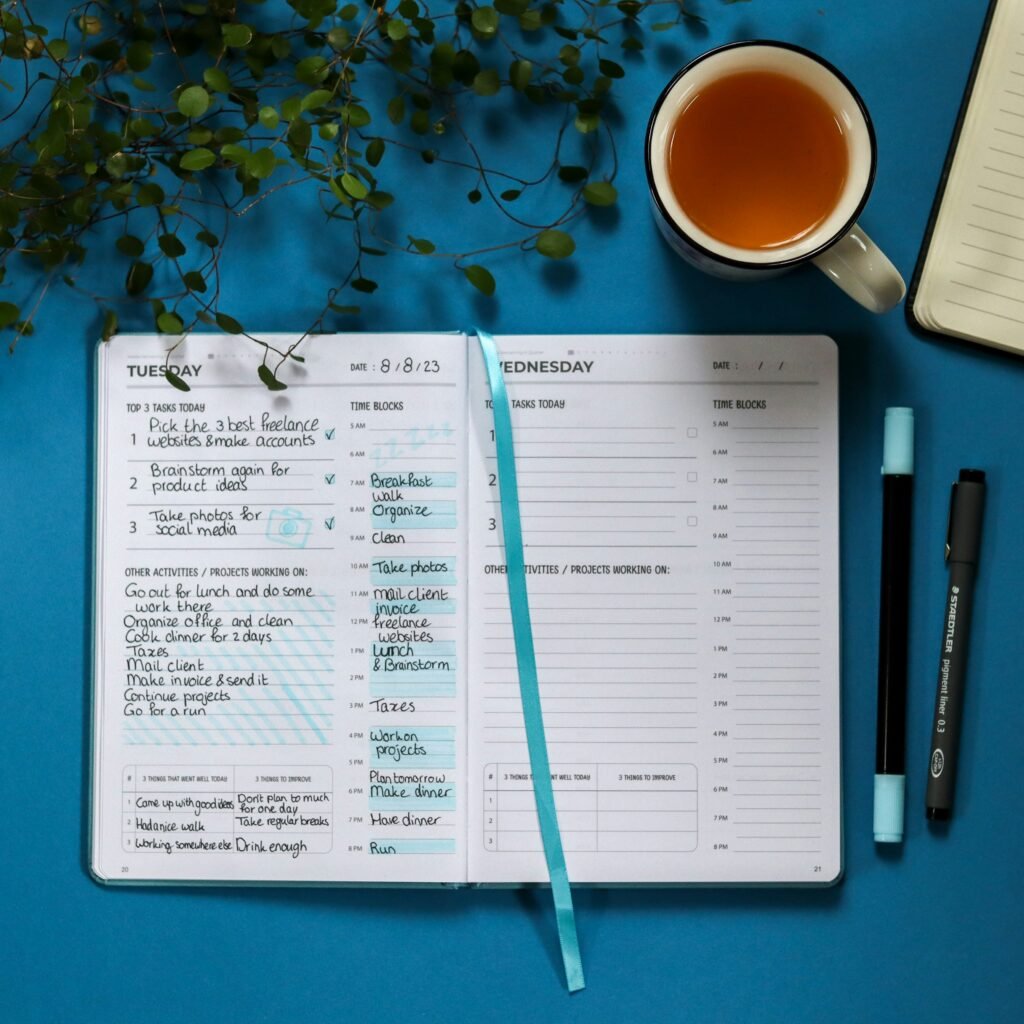
It’s not flashy, but Google Calendar is still the backbone most students build everything else around. Color-coded blocks for lecture, lab, rotation shifts, and study sessions give you an at-a-glance view of the week, and shared calendars make coordinating group projects or study sessions painless.
Best for: students who want dead-simple scheduling that syncs everywhere.
4. Motion
Motion takes planning a step further by using AI to actually build your schedule for you. You feed it your tasks and deadlines, and it auto-arranges your day around existing commitments — useful during rotations, when your “free time” shifts week to week and manual replanning gets old fast.
Best for: students with unpredictable schedules who want their planner to do the thinking.
Focus & Time Management
Knowing what to do is only half the battle — the other half is actually sitting down and doing it. These three apps are built to protect your attention during long study blocks.
5. Forest
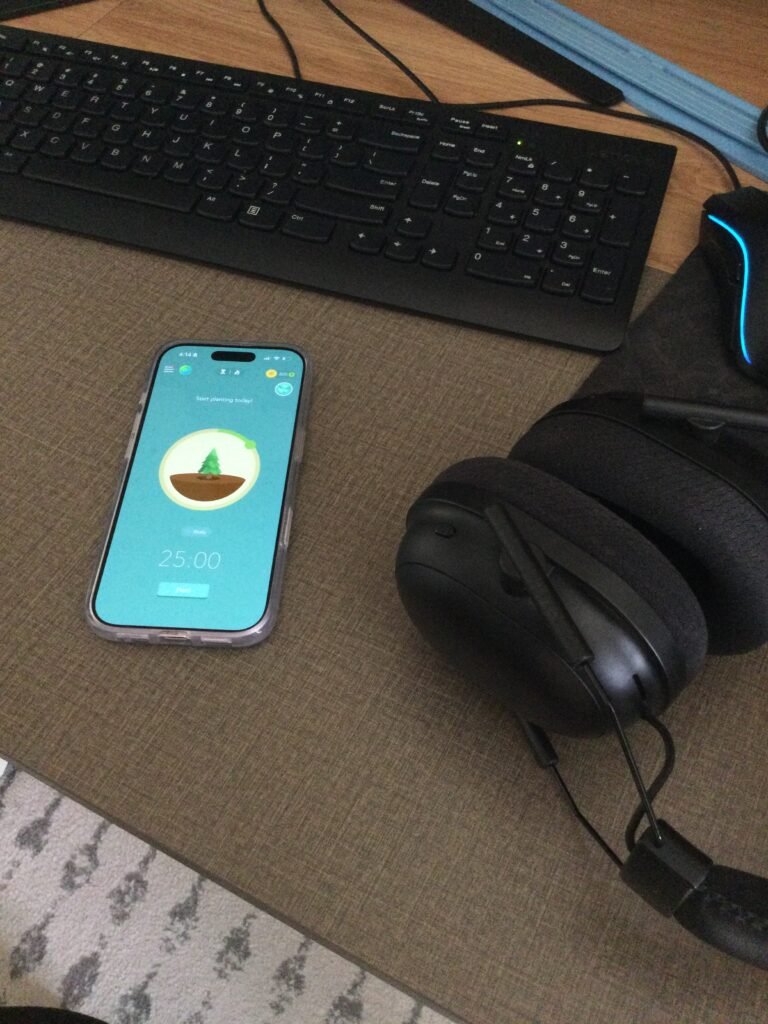
Forest gamifies staying off your phone: you plant a virtual tree, and if you leave the app before your timer ends, it dies. It sounds simple, but the small guilt-trip works surprisingly well during marathon study sessions, and watching your virtual forest grow over a semester is oddly satisfying.
Best for: students who get pulled into their phone mid-study-session.
6. Pomofocus
Pomofocus is a no-frills, browser-based Pomodoro timer — 25 minutes on, 5 minutes off, repeat. There’s no account required and no clutter, which makes it an easy default if you just want a timer running in a browser tab while you work through practice problems or flashcards.
Best for: quick, distraction-free Pomodoro sessions at a desktop.
7. Focus To-Do
Focus To-Do merges the Pomodoro timer with an actual task list, so instead of just tracking time, you’re tracking progress against specific study goals. It’s a solid middle ground if you liked the idea of Pomofocus and Todoist but didn’t want to run two separate apps.
Best for: students who want timer + task list combined.
Note-Taking & Memorization
This is where pharmacy school gets specific. Between drug names, mechanisms, and dense lecture slides, generic note apps often aren’t enough — these four are built for exactly that kind of content.
8. Quizlet
Quizlet is close to a rite of passage in pharmacy programs. Its flashcard sets are perfect for high-volume memorization — drug classes, side effects, brand/generic pairs — and the built-in study modes (Learn, Match, Test) turn passive review into active recall, which is what actually sticks for exams.
Best for: memorization-heavy content like pharmacology and med chem.
9. Notability
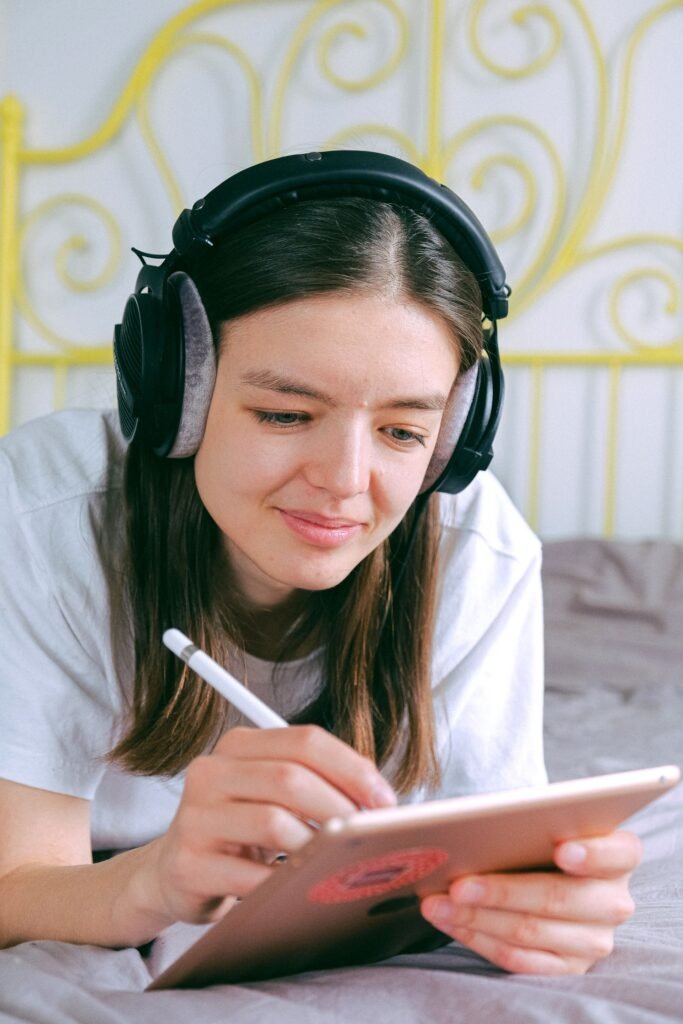
Notability is built for handwriting on an iPad, and it shines when you need to annotate PDF slides during lecture — draw arrows on a mechanism diagram, scribble notes in the margins, or record audio that syncs to your handwritten notes so you can replay a confusing explanation later.
Best for: annotating lecture PDFs and recording audio alongside notes.
10. GoodNotes
GoodNotes covers similar ground to Notability but leans harder into organization — folders, tags, and a paper-like writing feel that a lot of students prefer for drawing out diagrams like drug metabolism pathways or receptor binding. If your program relies heavily on lecture slides, this is worth trying alongside Notability to see which handwriting feel you prefer.
Best for: iPad note-taking with a focus on diagrams and organization.
11. Evernote
Evernote is less about handwriting and more about capturing everything else — clipped articles on new drug approvals, voice memos from a preceptor during rotations, or quick text notes you want searchable later. It’s the catch-all for the stuff that doesn’t fit neatly into a lecture notebook.
Best for: clipping articles and organizing miscellaneous notes and voice memos.
Wellness & Well-Being
None of the productivity tools above matter much if you’re running on fumes. Pharmacy school burnout is common enough that it’s worth building small wellness habits into your routine from day one.
12. Headspace
Headspace offers short, guided meditations aimed at stress and anxiety — genuinely useful before a big exam or after a rough rotation day. Sessions run as short as three minutes, so it’s realistic to fit in even during finals week.
Best for: managing exam stress and anxiety in small pockets of time.
13. Sleep Cycle
Sleep Cycle tracks your sleep patterns and wakes you during a lighter sleep phase, so mornings feel less brutal than a standard alarm. For students pulling early rotation shifts or late study nights, understanding your actual sleep quality (not just hours logged) can be a wake-up call in more ways than one.
Best for: students who want to actually understand and improve their sleep.

14. Waterllama
Waterllama turns hydration tracking into something you’ll actually stick with, using a virtual llama that reacts to how well you’re keeping up with your water intake. It’s a small thing, but it’s an easy habit to let slide during a stressful semester, and a playful nudge helps more than you’d expect.
Best for: students who consistently forget to drink water during long study days.
15. How We Feel
How We Feel is a simple daily mood tracker built with input from psychologists. Logging your emotional state for even ten seconds a day builds a pattern you can look back on — useful for noticing early if a rotation, a class, or the semester in general is wearing you down more than usual.
Best for: keeping a lightweight pulse on your mental health over time.

Building Your Own Stack
You don’t need all fifteen of these — most students land on a small combination that covers the essentials: one planner, one focus tool, one note-taking app, and one wellness habit. Start there, and add more only if you find an actual gap in your routine. The goal isn’t to use every app on this list; it’s to spend less time managing your workload and more time actually learning it.
If you’re just starting out, a solid baseline stack looks like: Google Calendar for scheduling, Quizlet for memorization, Pomofocus for study sessions, and Headspace for keeping stress in check. Build out from there as your rotations and workload evolve.
Next, read my article on How to Create an Ideal Study Space.
—
Disclosure: This post contains affiliate links. If you sign up through one of these links, we may earn a small commission at no extra cost to you. We only recommend tools we believe genuinely help pharmacy students.*
Pingback: Best Planners for Healthcare Students (2026 Guide)